How to Fix gvfs Not Mounting Under i3wm

Preface
Uh… there’s really nothing much to say before this—a problem came up…
So I asked in the group, got it fixed, and now I’m writing down how it was done…
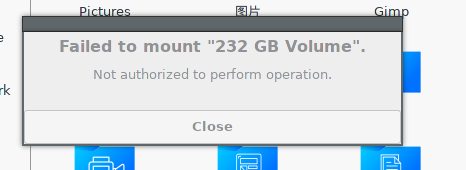
I switched to i3wm, and when I tried to mount another partition using a file manager, this error popped up:
This issue is usually caused by a missing package.
Well, basically I just forgot to install something.
What we need is polkit…
If you don’t know what it is, check out this page on the Arch Wiki:
The Solution Process
First, install polkit:
$ sudo pacman -S polkitAfter installation, we also need to install its graphical frontend.
As shown, there are many to choose from:
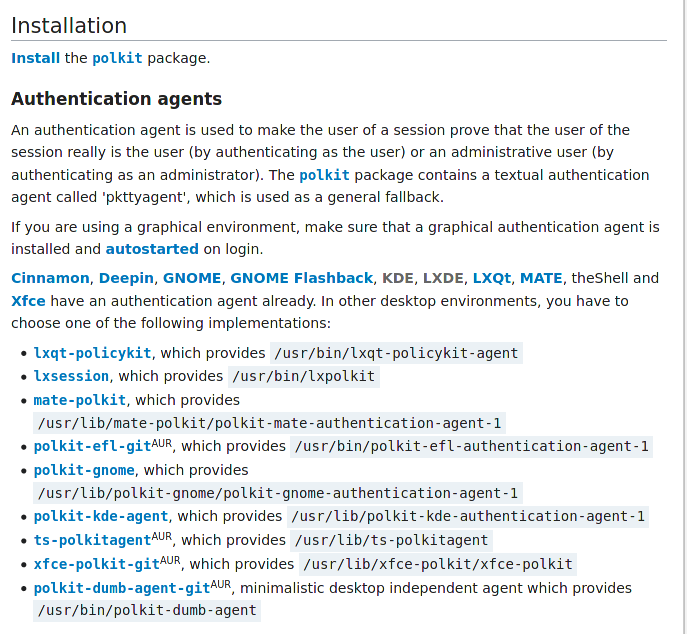
I’ll go with Gnome’s — it’s what I’m used to…
You can install it with pacman:
$ sudo pacman -S polkit-gnome If you want to use another one, just replace polkit-gnome with the other package name.
But installing it isn’t enough — you also need to set it to start automatically. Why? Here’s the reason:
If you are using a graphical environment, make sure that a graphical authentication agent is installed and autostarted on login.
In short, if you want to use it, you need to keep this program running…
That’s about it. If you want the full meaning, go ask Google Translate.
Next, I need to figure out how to start it…
Actually, you can just run the path listed on the wiki directly in the terminal:
$ /usr/lib/polkit-gnome/polkit-gnome-authentication-agent-1 &But you’d have to type that every time, and I think that’s a hassle — rua~
So we need to set it to start on boot. Generally, you can do it like this:
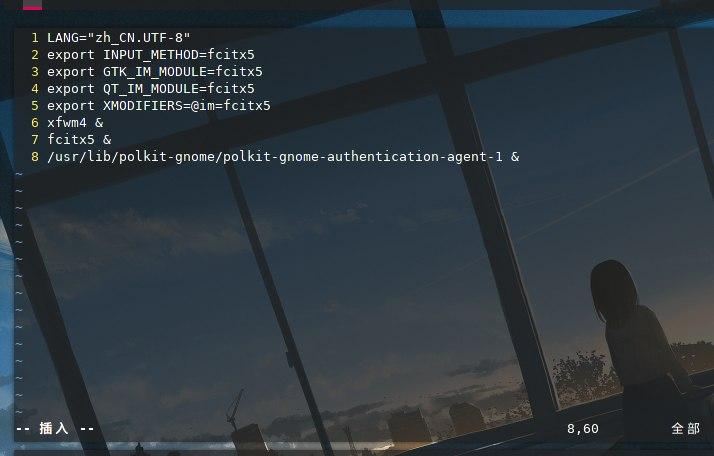
Well… for i3wm, you’ll need to refer to this documentation:
So I directly edited the ~/.config/i3/config file:
$ vim ~/.config/i3/configThen added this:
# Start polkit-gnome on login

exec --no-startup-id /usr/lib/polkit-gnome/polkit-gnome-authentication-agent-1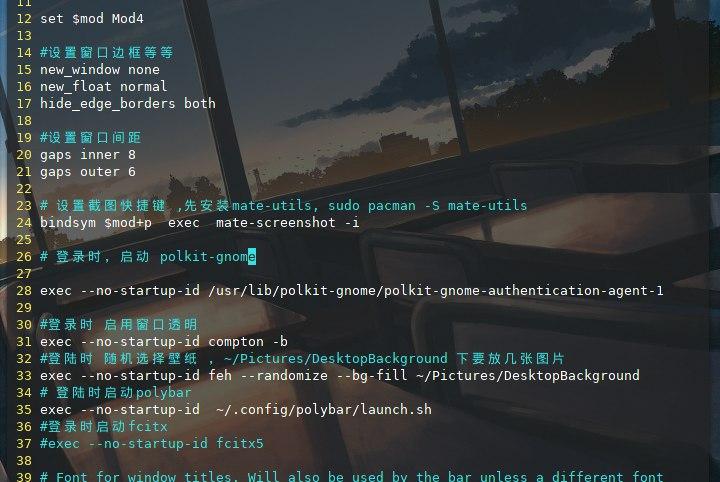
Then I rebooted.
It worked.
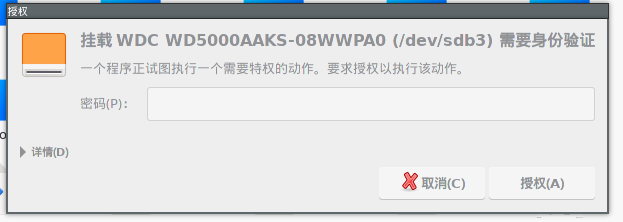
Then I tried entering the password and hitting enter… and got another error…
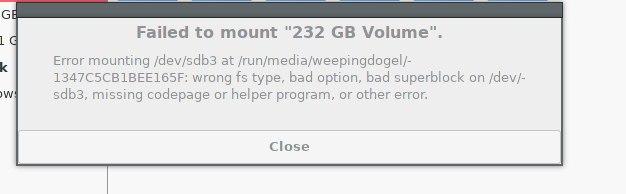
From the English, you can tell it’s actually another problem…
It blabbered on and on, but it’s just that I forgot to install the ntfs-3g package again…
$ sudo pacman -S ntfs-3gAnd then it was fixed…
But the screenshots were taken tonight…
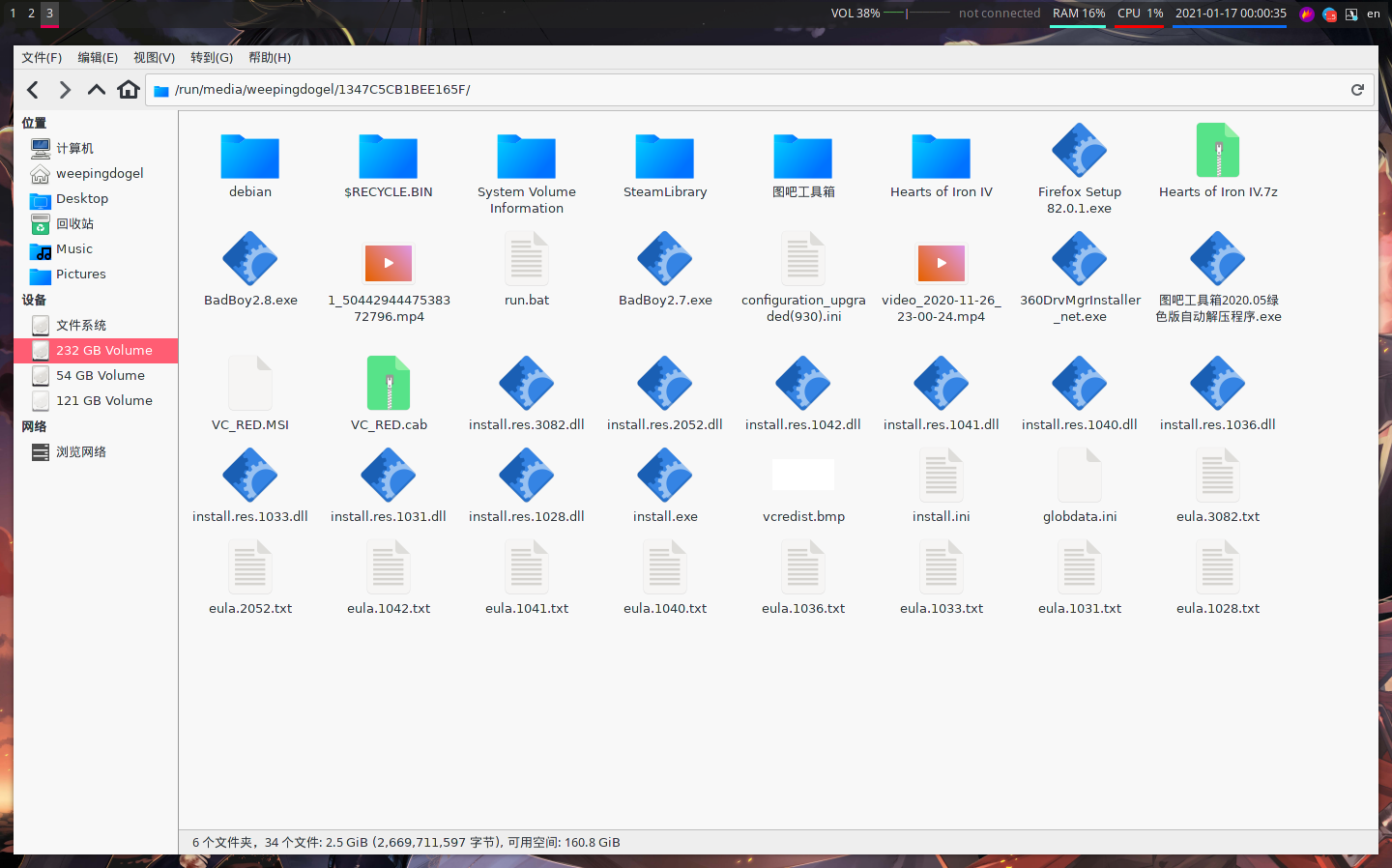
Conclusion
And then I can happily use i3wm again~