Logitech K845 Unboxing

Preface
Note: This is not a professional detailed review, just a personal unboxing experience.
Followers of my Telegram channel may know that I’ve been considering getting a mechanical keyboard for a while. I ended up choosing the Logitech K845.
Yesterday afternoon I received the delivery SMS from the parcel pickup point—it had finally arrived. I felt two things at once: the joy of the keyboard arriving, and the awkwardness of not being able to pick it up right away.
Today I returned to the city and got home. As soon as I got off the car, I couldn’t wait to grab the package. It was wrapped in a layer of plastic and a layer of corrugated cardboard, but no bubble wrap—so I couldn’t pop it. QAQ
How heavy is it? I heard this keyboard isn’t very heavy, with the packaging… probably about as much as a 2L bottle of Coke.
Packaging and Appearance
As soon as I got home, I started unpacking—with a little eagerness and a little anticipation… Emmmm… I opened it.
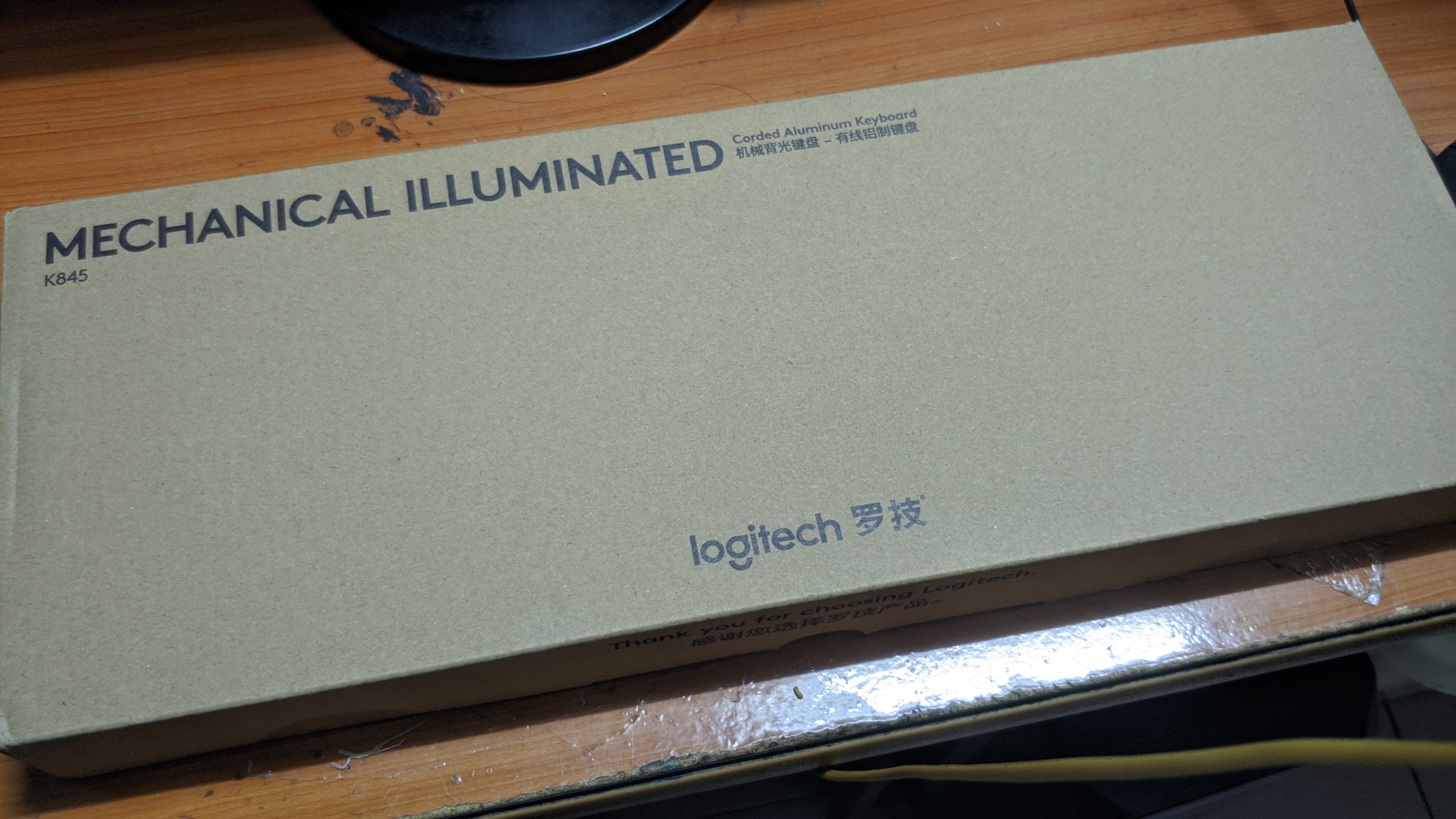
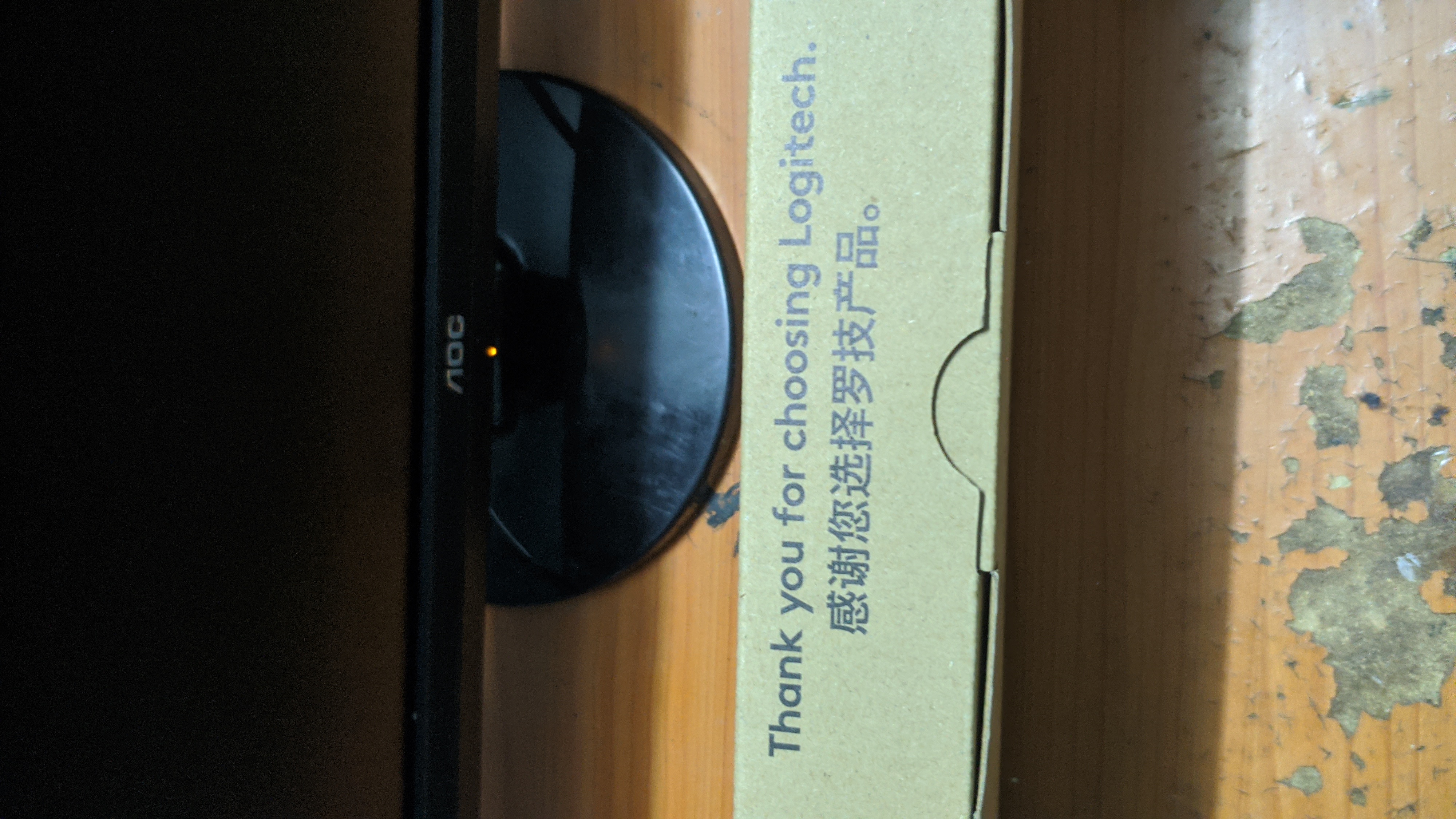
Come on, how can a big brand like Logitech be so stingy
Well… a simple, low-key, plain brown kraft paper box that perfectly reflects Logitech’s eco-friendly brand image!
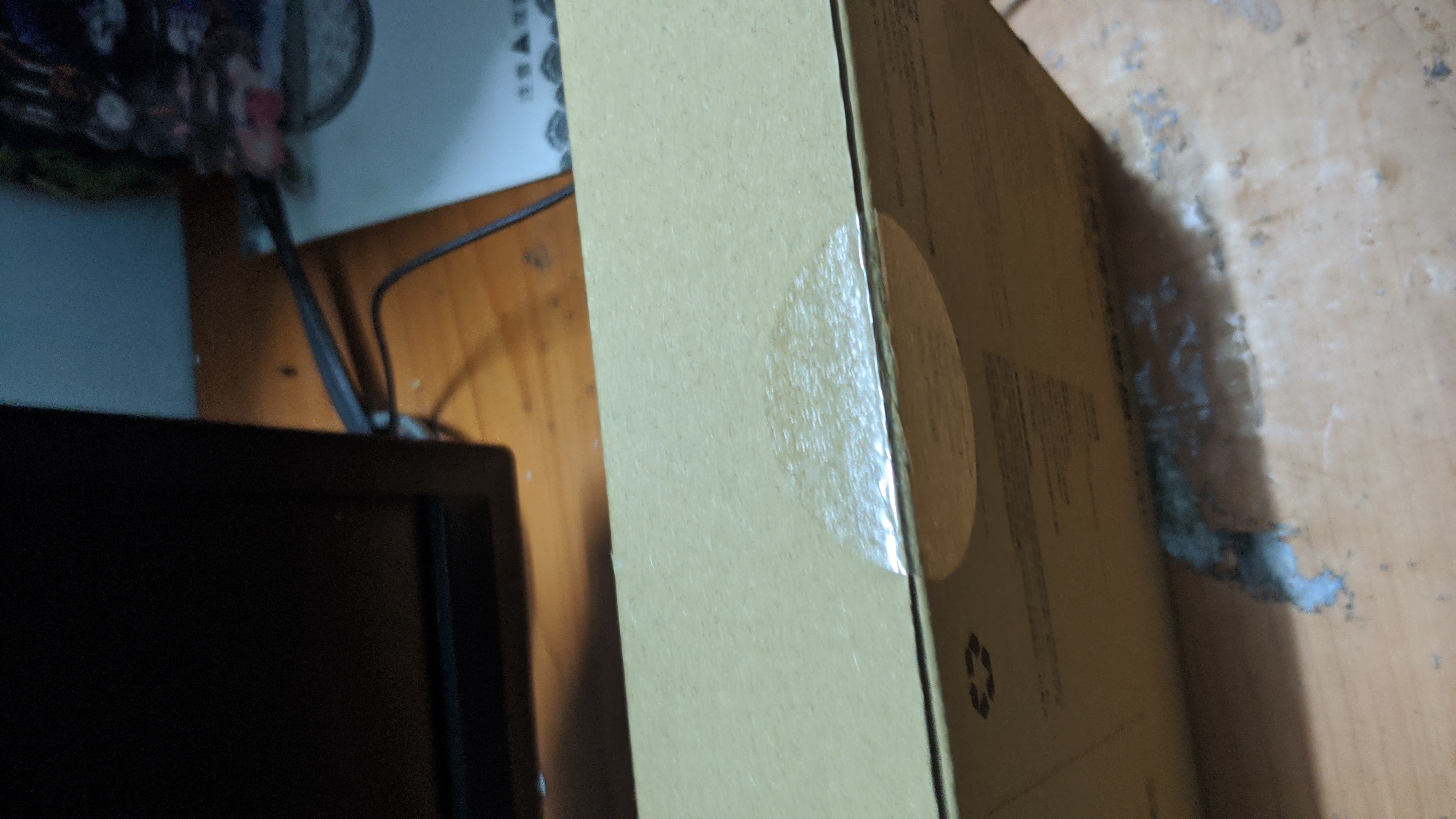 The sealing method was also simple and eco-friendly—a layer of clear tape that you could just cut open with your fingernail to open the box.
After opening the box, there was just the keyboard inside, nothing else…
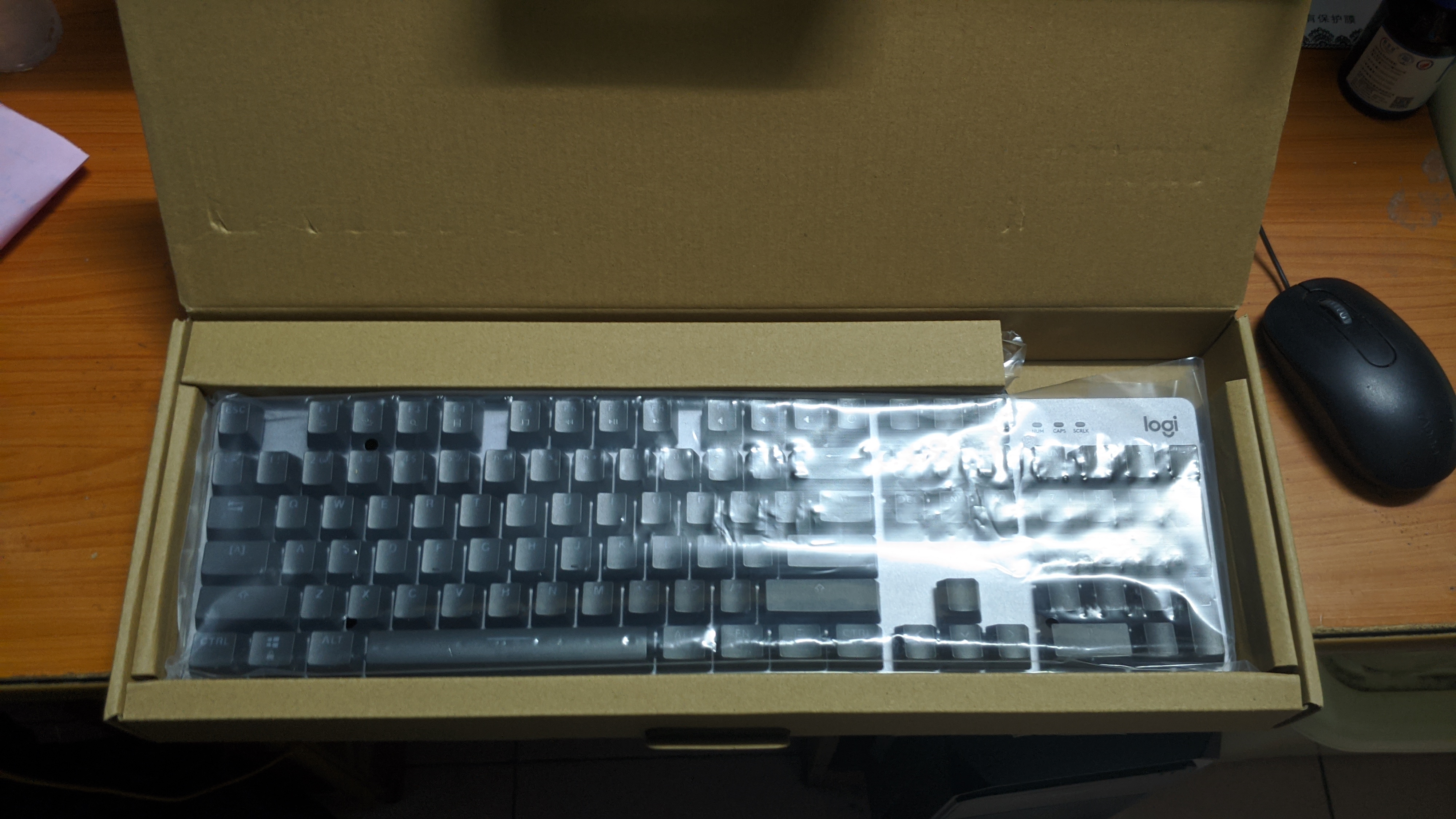
This is eco-friendliness taken to the extreme. Comparable to a certain fruit company not including a charger~
But packaging isn’t everything. A big company like Logitech must have put the budget into quality.
The absence of foam padding shows that Logitech is confident in the keyboard’s reliability—that’s a plus.
The keyboard has a floating key design with a silver brushed aluminum backplate, giving off a business vibe.
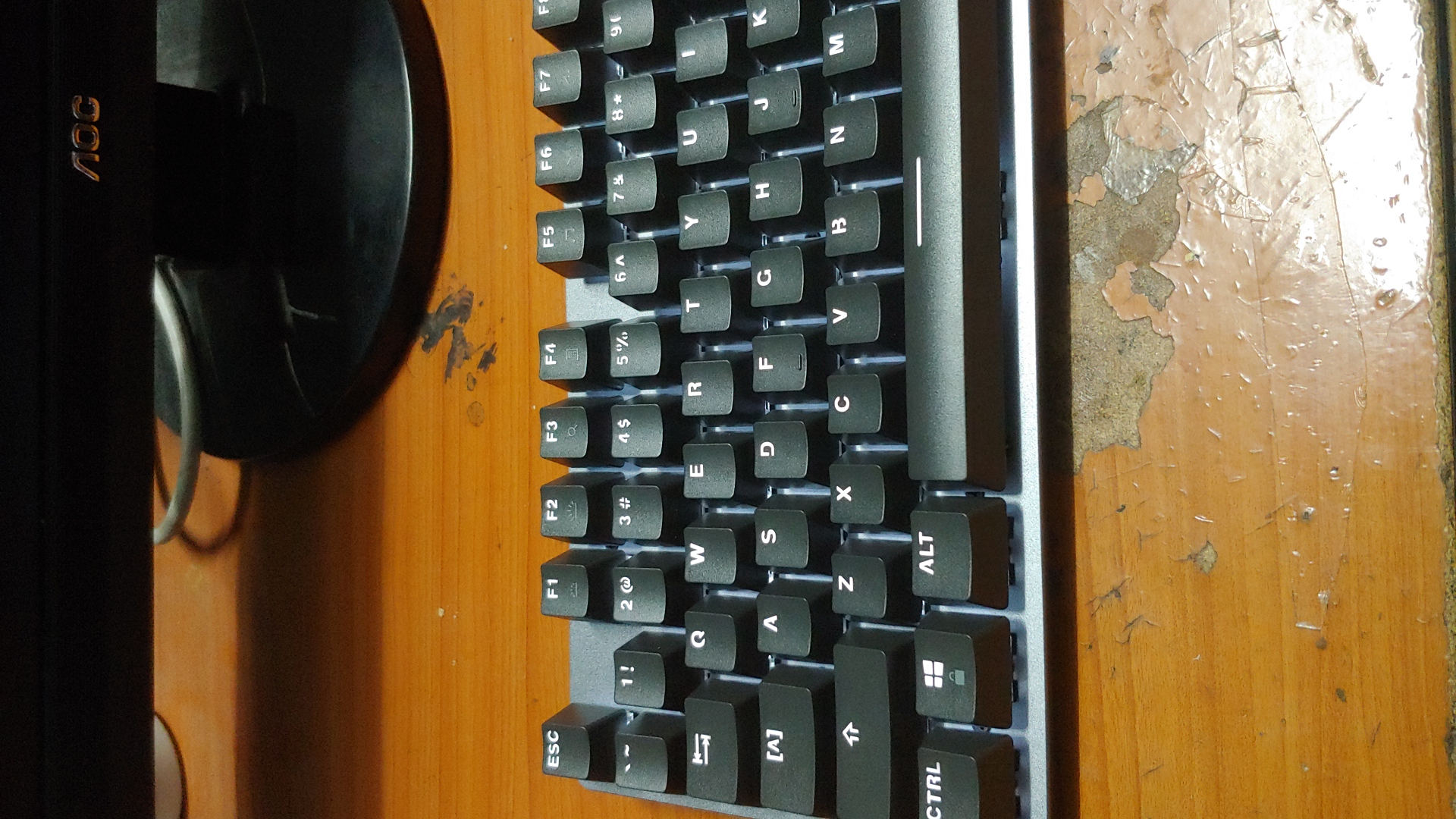
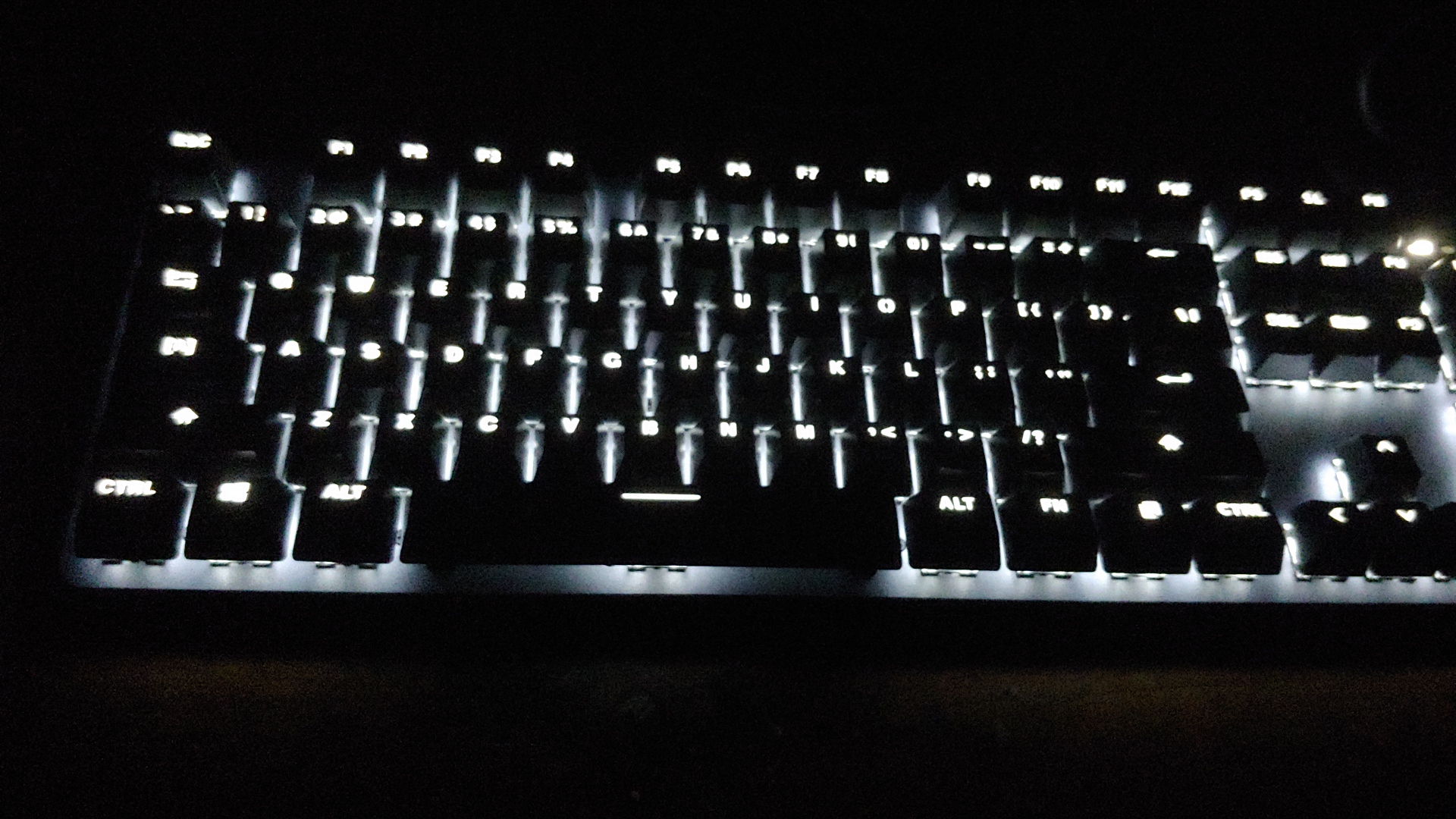
The photo was taken after I powered it on. I have to say the lighting is exactly as I imagined—when the room lights are on, the keyboard’s backlight is almost invisible… very faint.
So I turned off the lights to see what it looked like in the dark.
Well… the brightness is just right, not harsh, ~~perfect for sneaking in some coding at night hehe~~~
(The photo may look bright, but it’s not as harsh in person.)
The keycaps are black ABS, paired with the white backlight… gives off a bit of a cold aesthetic, lol.
If I could swap the keycaps for pink ones, it’d be perfect.
In the top right corner, there are three indicator lights for Num Lock, Caps Lock, and Scroll Lock. Such a traditional design suits me just fine. qwq
There are two stands on the back. When opened, it looks like this:
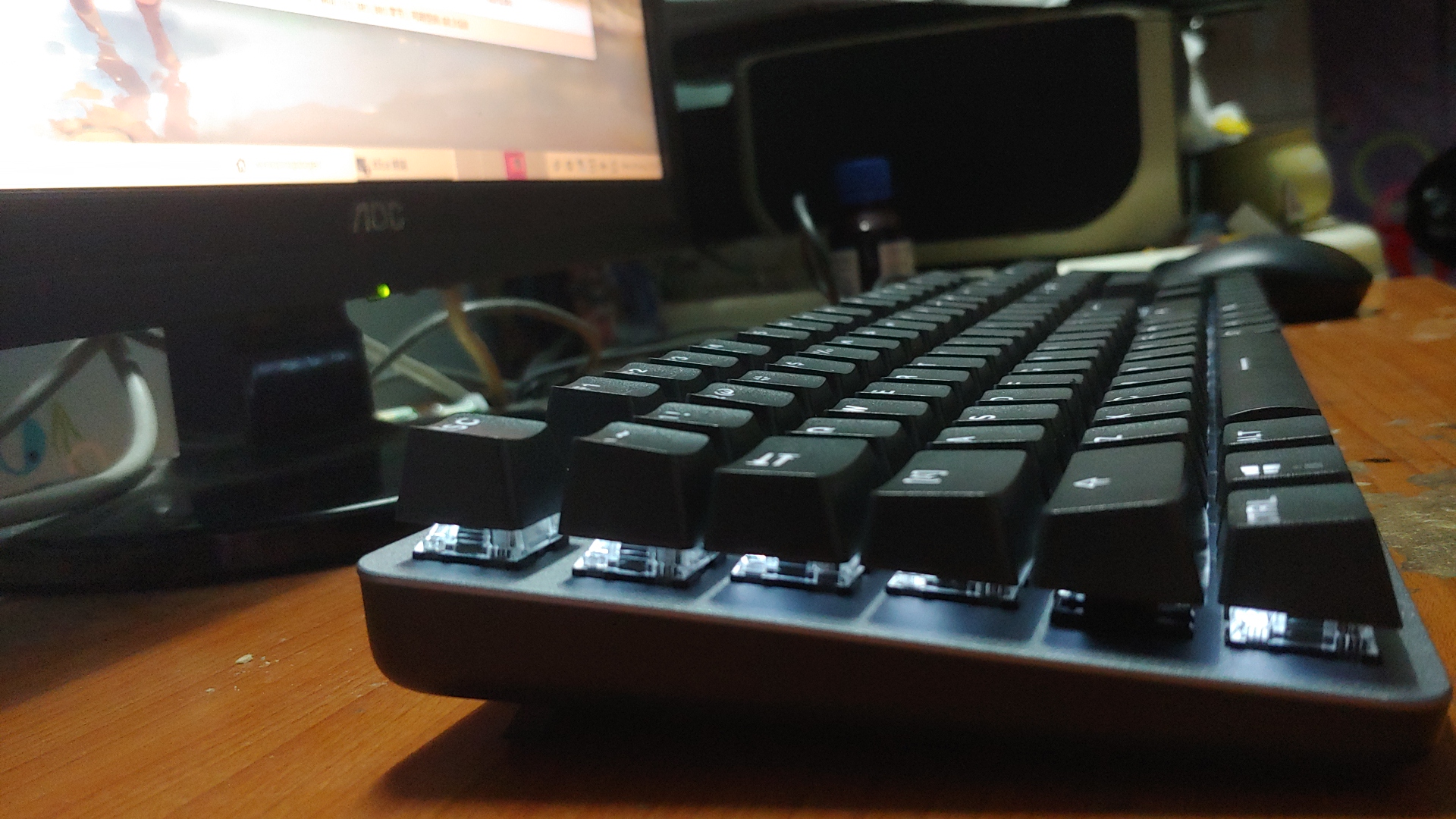
I personally like using the stands, though opening them requires a bit of force. The height difference isn’t huge—perfect for dog paws (not).
Feel
For everyday typing, here’s a summary:
-
The crisp sound is very satisfying, hehe. qwq
-
But it also generates a lot of noise—after all, blue switches are known as “roommate happiness” switches~
But I like them(runs away) -
The tactile feedback from blue switches is strong, and the bump feel is spot on.
-
No fatigue even during long typing sessions.
For gaming, I played some Minecraft. The difference compared to membrane keyboards is huge, QAQ. But I rarely play other games anyway.
Overall, it’s way better than membrane keyboards. I might never go back. QAQ
Hopefully it’ll be durable—it is my first mechanical keyboard after all.
Conclusion
This keyboard, 244 RMB—worth it!
I’m optimistic about its durability. I reckon it should last four or five years without issues (?)
Sure, at this price point it doesn’t have flashy RGB, detachable cable, music-reactive lighting, or other fancy features…
(But as an Arch user, I don’t even want to install drivers—well, it doesn’t have any anyway.)
But everything else meets my needs. The soft backlight and excellent key feel make the 200+ yuan well spent.
Well… if I have time, I’ll swap the keycaps for pink ones.